SITE CONTEXT
Map and local conditions
Useful context for planning a visit and understanding the day’s record.
14°Light rain
Northampton
Northampton
Site conditionsNo active flood warning
FieldRadar in your browser
Manage drawings, coordinate actions, review evidence and prepare the next report. A project workspace you can work in, wherever your desk happens to be.
Project intelligence
See the project location, current weather and available local flood alerts from the project home page. Connect a supported ChatGPT or Claude account when you want to ask questions across accessible FieldRadar records.
Explore the latest improvementsUseful context for planning a visit and understanding the day’s record.
Find and summarise the project information you already have permission to see. The connection is read only.
“Which actions need attention this week?”
Plans & drawings
Upload a PDF or image plan from your browser. Keep drawing numbers, revisions and issue dates with it, then open the actions pinned to that location.
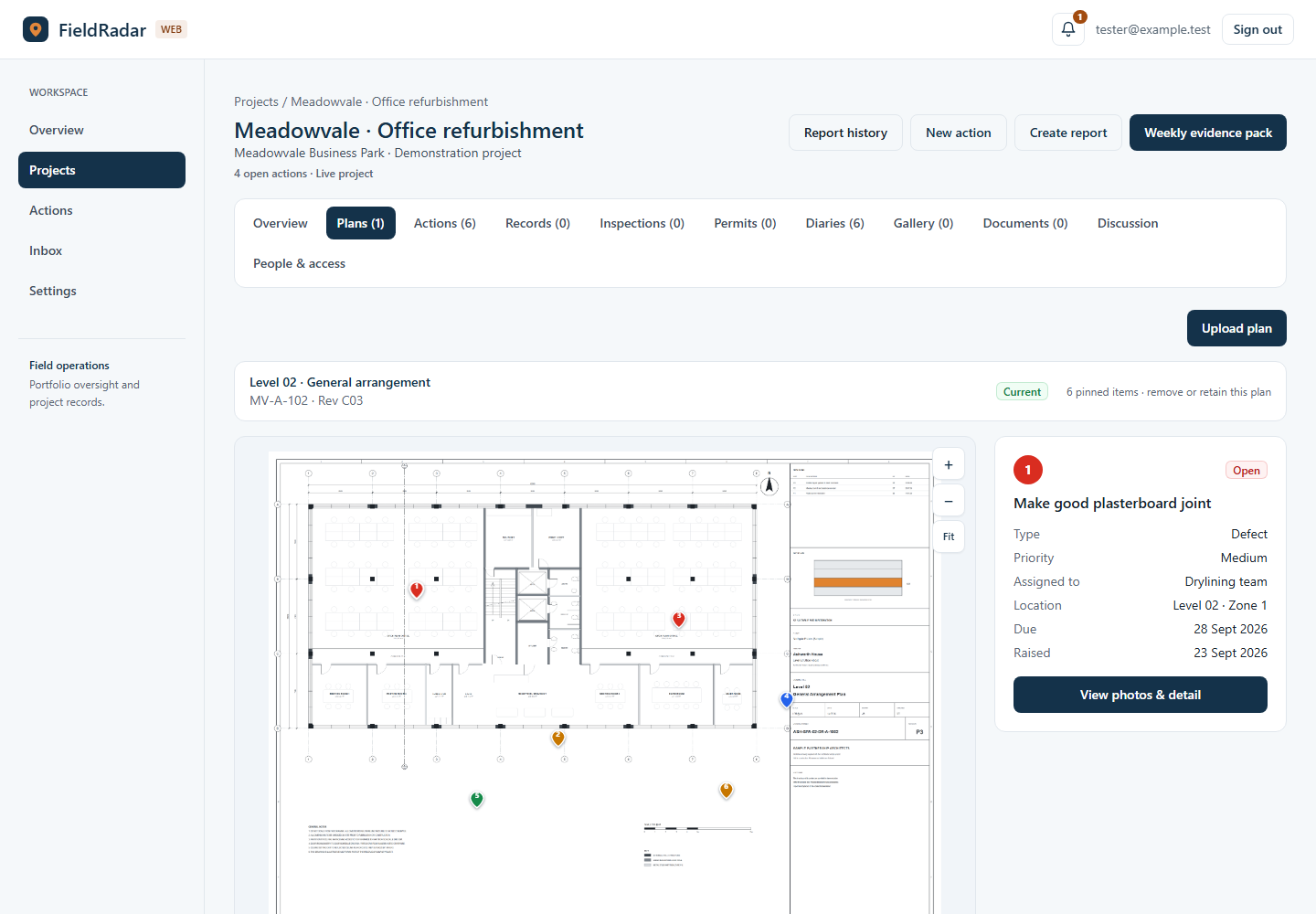
Actions & collaboration
Create actions from the dashboard, assign responsibilities and set due dates. Filter the register to find open, overdue or completed work.
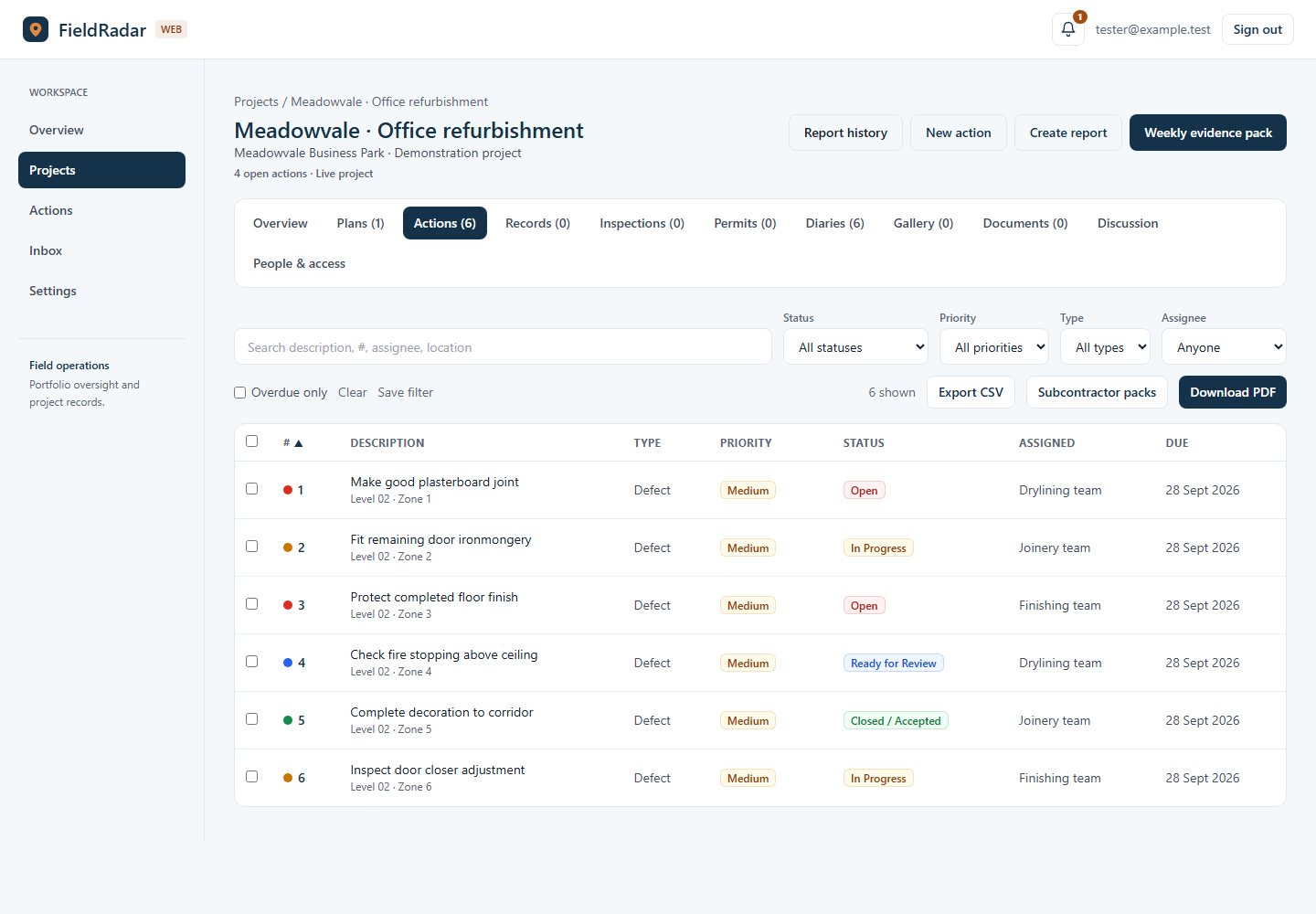
Diaries & photographic evidence
Browse recent progress photos first and expand older weeks when you need the history. Review, write and submit daily site diaries from your browser.
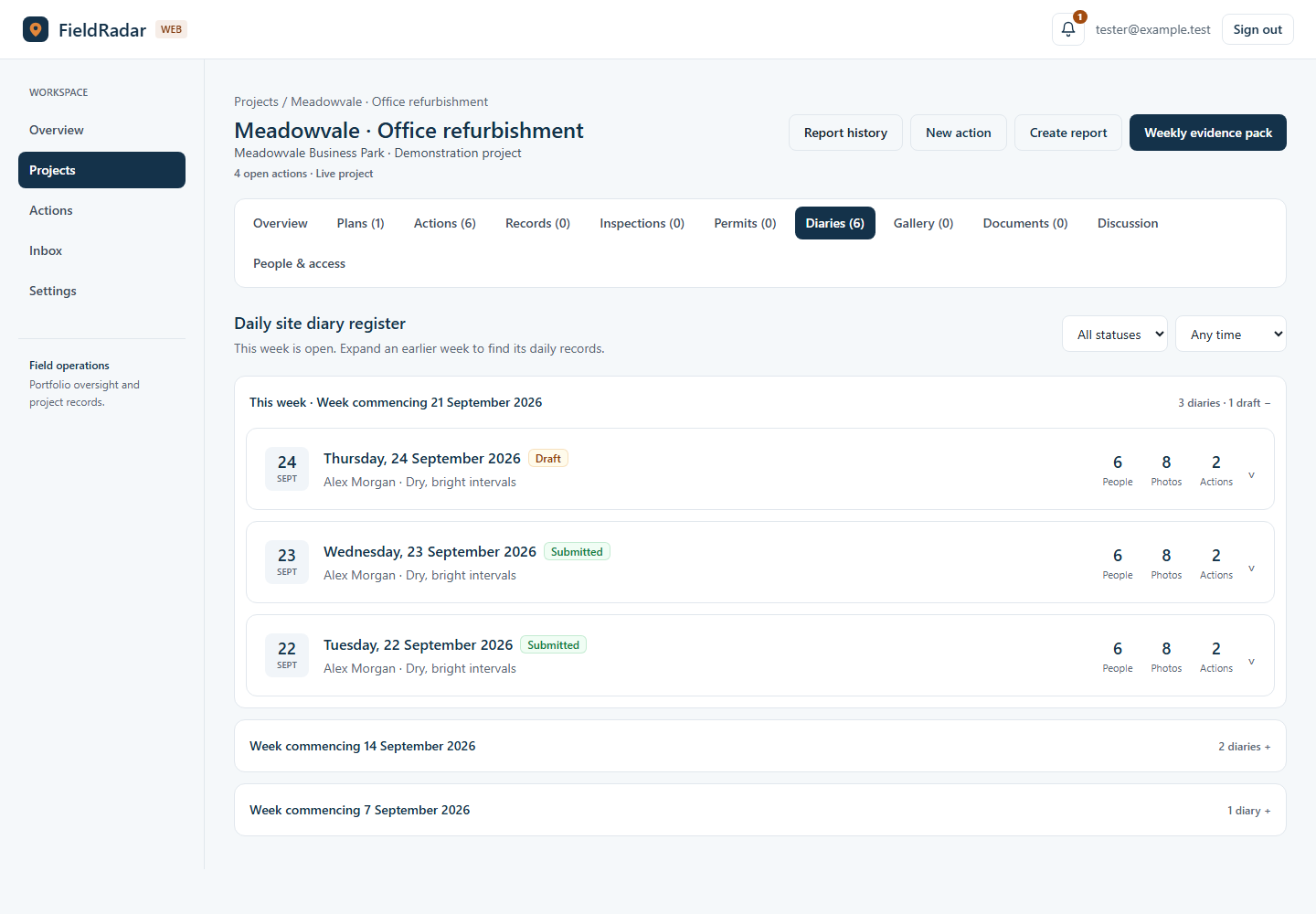
Reports for the people who need them
Choose the actions and evidence that belong in the report. Prepare a weekly report for an internal meeting or client update, and keep issued reports in the project’s report history.
Company branding and Excel-compatible CSV export are included with Pro. Review the output before issuing it.
See a sample report PDFCompany administration
Invite the people you need, assign project roles and archive completed jobs. A Team plan brings company administration and company-wide access into the same workspace, and you can start one online with a 30-day free trial.
Project invitations, access assignments and company administration.
Keep completed projects organised. Archived jobs do not use the live-project allowance.
Set up weekly site checks for selected projects when their site profile and responsible people are ready.
Project location, weather and available local alerts put the daily record in context. Coverage depends on location and the source service.
Start free in the app, then sign in to the browser with the same account.