Construction daily diary app
Keep the site diary while the day is still clear
Bring labour, completed works, deliveries, delays, safety notes and progress photos into one practical daily record — before the detail disappears into messages and camera rolls.
A diary that starts with work already captured
A useful site diary needs more than a final paragraph at the end of a long day. FieldRadar brings together the activity already captured on the project, then gives you a structured place to record who was on site, what happened and anything that affected the work.
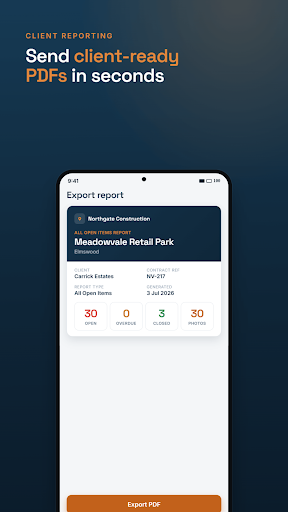
Save it as a draft while the day is moving, review it, then finalise the record. Pro includes a branded daily diary PDF export, so you can share a clear record without rebuilding it by hand.
What goes in the daily record
People and progress
Record labour, contractors, areas worked and completed activities while the information is fresh.
Plant and deliveries
Keep plant, materials and deliveries with the day they affected, rather than chasing separate notes later.
Conditions and delays
Note weather, access, disruptions, safety observations, quality matters and delays in the same project record.
Photo evidence
Add progress photographs to give the diary useful visual context when it is reviewed at the desk or shared.
From daily record to client update
The same project record supports the next report too. Use it to prepare an editable weekly report for internal meetings or client updates with completed works, upcoming work, deliveries, issues, safety notes and selected progress photographs. Review the export before issuing it.
Common questions
Can I create the diary without a signal?
Yes. FieldRadar is designed for on-site capture when the signal drops and syncs the available work when you reconnect.
Can I send the diary as a PDF?
Pro includes a branded daily diary PDF export. Check the record and output before you issue it.
Related: construction reporting, snagging, pricing and security.